
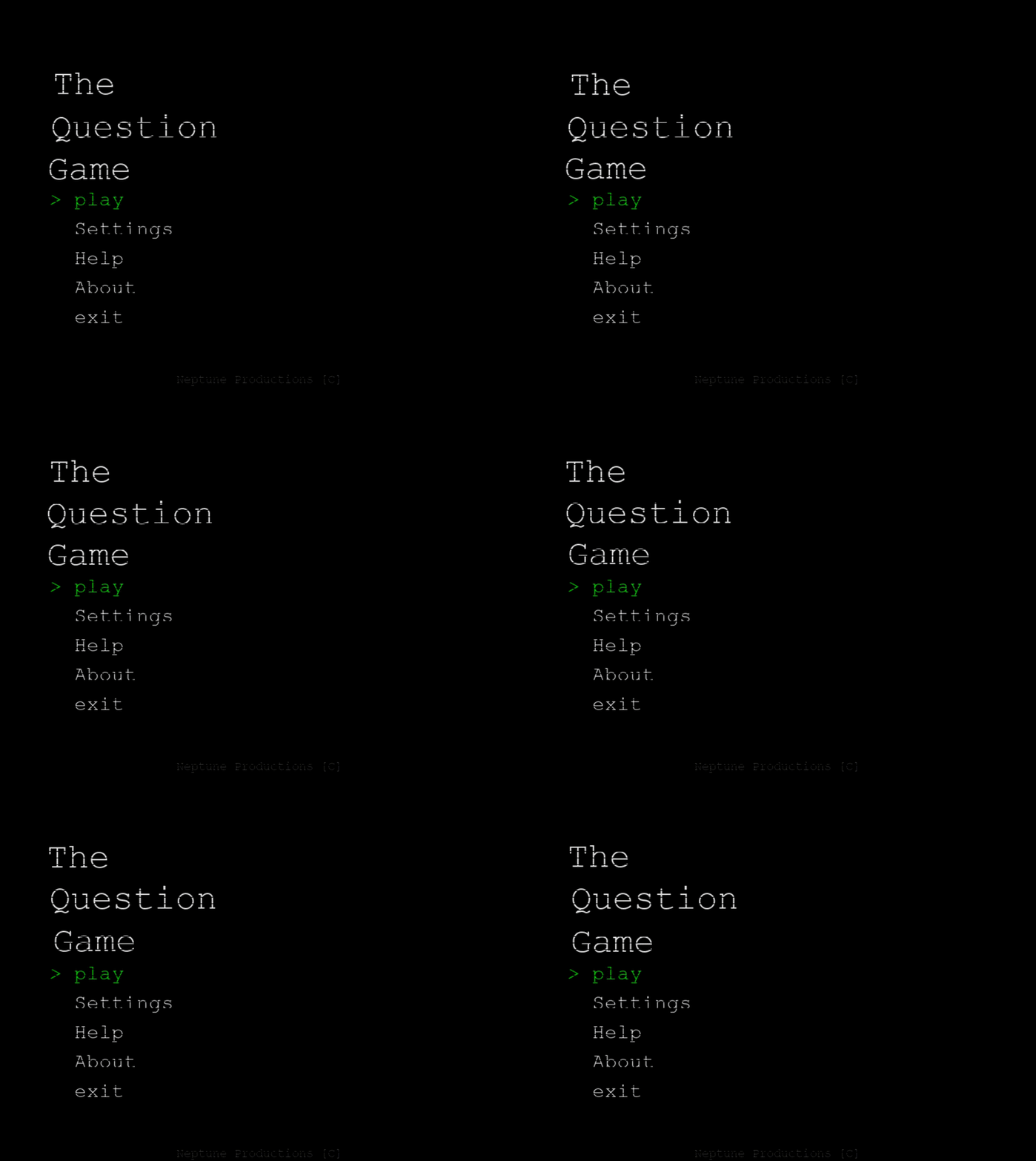
The Question Game
A downloadable The Question Game for Windows
The Question Game
The Evaluation
The Question Game is a psychological horror experience built around a simple premise:
Answer a series of questions.
At first, the questions seem ordinary. Questions about you, your habits, your preferences, your surroundings.
Then the game begins remembering.
It notices contradictions.
It references previous answers.
It reacts differently on later playthroughs.
Sometimes it appears to know more than it should.
Features
- 100+ questions
- Persistent memory between sessions
- Multiple playthroughs with new content
- Dynamic events and psychological scares
- Environmental manipulation and meta-horror elements
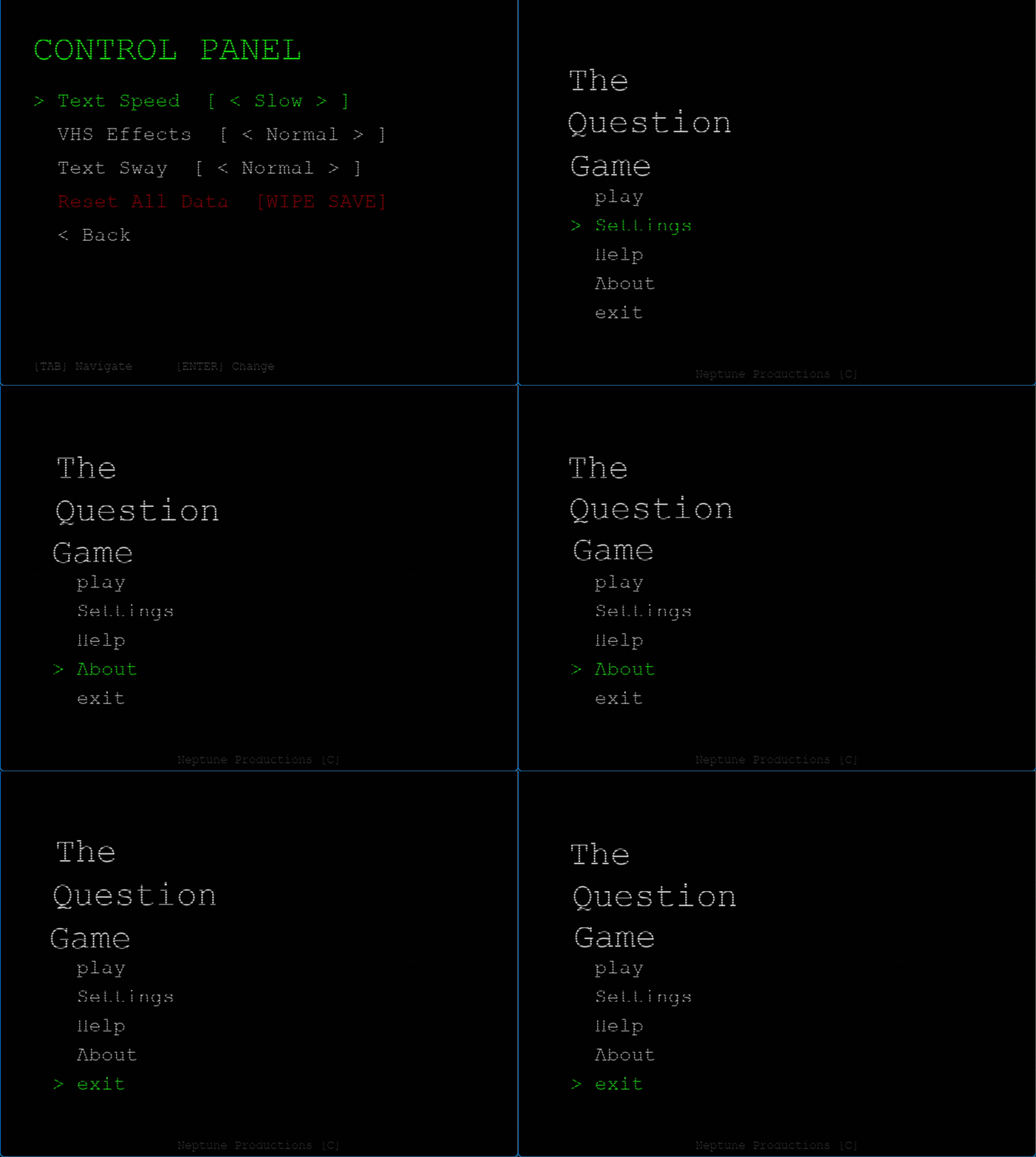
- VHS-inspired visual effects
- Procedural audio
- Webcam-based scare sequences
- Multiple endings
⚠️ WARNING ⚠️
This game contains psychological horror, unsettling imagery, flashing visual effects, themes of surveillance and paranoia, and moments designed to create discomfort.
PRIVACY GUARANTEE
This game contains no online multiplayer, no real surveillance, and no collection of personal information beyond what is required for gameplay.
Legal Agreement & Consent
By downloading, installing, or playing The Question Game, you understand that the game contains psychological horror elements, fourth-wall-breaking content, simulated surveillance themes, webcam-related events, wallpaper modifications, and other effects intended solely for entertainment purposes.
You acknowledge that these features are part of the game's design and consent to their use while playing.
If you do not agree with these terms, do not download or run the game.
Download
Install instructions
Download & Installation
- Download the latest .zip release from this page.
- Extract the .zip file using Windows Explorer, 7-Zip, or WinRAR.
- Open the extracted folder.
- Run the executable file:
TheQuestionGame.exe - If Windows SmartScreen appears, click:
More Info → Run Anyway
(This may occur because the game does not have a valid certificate. You will see Neptune Productions.) - 🎧 Play with headphones for the best experience.
Leave a comment
Log in with itch.io to leave a comment.